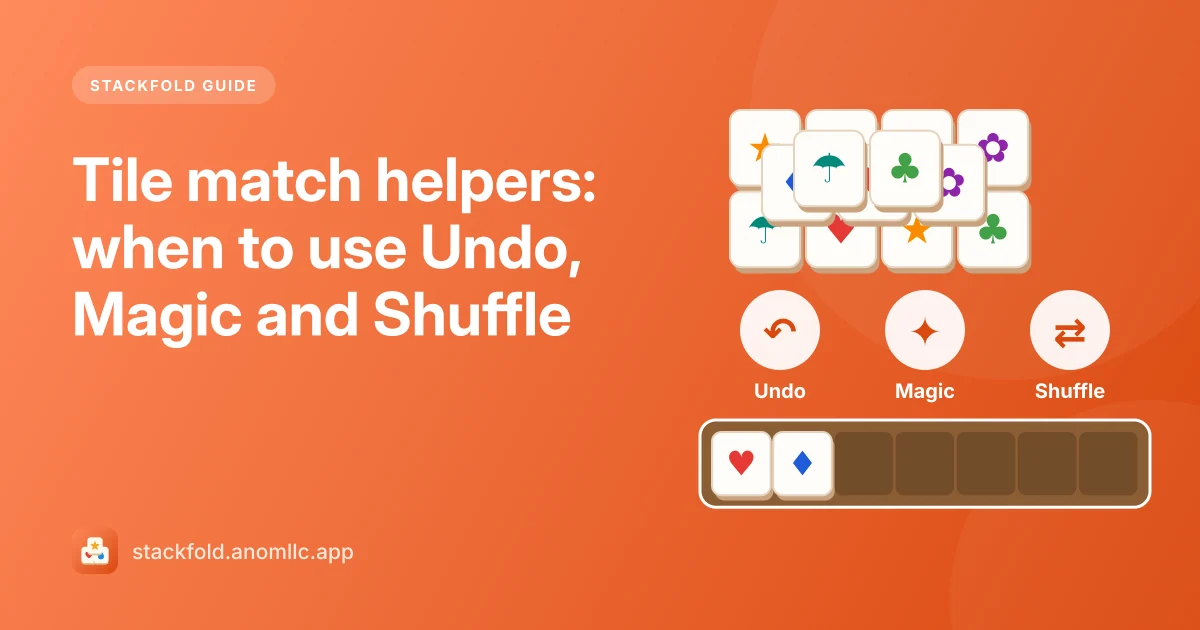
Stackfold gives you three helpers on every level. Each is free once per level, and a short video gives one more use whenever you want it. Used at the right moment, one helper turns a lost level into a win; used too early, it's wasted. Here's what each does and when to reach for it.
Undo
What it does: takes back your last move: the tile goes back to the board and the tray returns to how it was. It also works right after a Shuffle, bringing back the old pictures.
When to use it: right after a tap that didn't help, for example one that uncovered nothing useful or added a lone tile to a busy tray. Undo is cheapest when used immediately, because only one move needs to be repaired.
When not to: to fish for luck. The tiles under a tile don't change, so undoing and re-tapping the same tile gives the same result.
Magic
What it does: clears one complete set of three. Stackfold picks the picture with the most tiles already in your tray and takes the missing ones from anywhere on the board, even from deep in a stack. With an empty tray, it picks the picture with the most free tiles.
When to use it: when the tray is heavy (five or six tiles) and the third tile of a pair is buried. Magic both empties your tray and pulls a buried tile out, which often opens up the stack it came from.
When not to: on an empty or light tray. It still clears a set, but it saves far less.
Shuffle
What it does: gives the tiles still on the board new pictures. The count of each picture stays the same, and the new layout is dealt so that the level can still be cleared, taking into account the tiles already waiting in your tray.
When to use it: late in a level, when the free tiles match nothing in your tray and nothing among themselves. A Shuffle then gives you fresh options without losing your progress.
When not to: early on, when most tiles are still buried; the free tiles will change anyway as you uncover more.
The second chance
If the tray fills with seven tiles and no set, the level is lost. Once per level, Stackfold offers to go back three moves after a short video. Take it if the level was going well; otherwise Try again starts the level fresh.
Helpers are optional
Every Stackfold level can be cleared without any helper at all, because each board is dealt with a way through. The helpers are there for comfort, not because the game needs them. For the habits that make them unnecessary, read our tile match strategy guide.