Small tile match levels forgive almost anything. Big ones, with a hundred tiles in six layers, punish a careless tap or two. These eight habits keep the tray under control. If you're new, read how to play tile match first.
1. Count free copies before you tap
Before each tap, look for a picture with three free copies. Taking all three is a set with zero risk. If there's none, look for a picture with two free copies and a third that one tap would uncover.
2. Treat the tray as seven slots, not seven chances
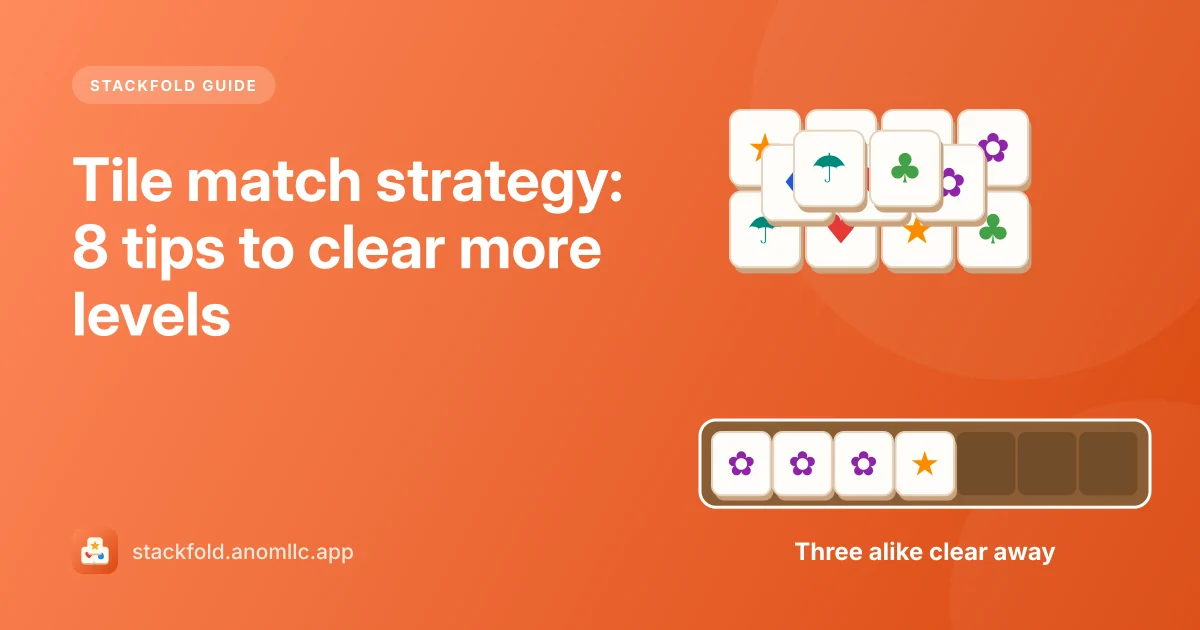
Each tile in the tray is a promise you'll find two more of it. Five tiles in the tray means at most two more taps before you must clear something. Try to keep at least two slots free at all times.
3. Finish what you started
A pair waiting in the tray is the most valuable thing you have: one more tile clears it. Before you take a tile of a new picture, check whether the third of an existing pair is free, or nearly free.
4. Open the tallest stacks first
Tiles in deep stacks are the hardest to reach. Uncovering them early gives you more choice later. The shading in Stackfold shows which tiles are covered; work on the places where many shaded tiles wait under one free tile.
5. Don't take a lone tile just because it's free
A free tile whose other two copies are buried deep is a trap: it sits in your tray for a long time. Leave it on the board until its partners are close.
6. Watch the tray's color
Stackfold's tray border turns orange at five tiles and red at six. Orange means "plan your next two taps"; red means "the next tap must clear a set".
7. Save Shuffle for real dead ends
Shuffle gives the remaining tiles new pictures while keeping a way through (it even takes the sets waiting in your tray into account). It's strongest late in a level, when few free tiles match anything. Our guide to the helpers covers when each one pays off.
8. Undo to test an idea
Undo takes back one move. Use it when a tap uncovers something unhelpful: step back and try the tile next to it instead.
The tray will forgive you once
If the tray fills, Stackfold lets you watch a video to go back three moves, once per level. It's a second chance, not a plan. With the habits above you'll rarely need it.